Gemini 4 Hydrogen in Google Search: our Arabic AI Mode test
We tested Google AI Mode in Arabic with an SSD upgrade question, found Dell’s manual and checked a capacity figure against the official specifications.
On November 12, 2026, Google announced that it was bringing Gemini 4 Hydrogen to Google Search. Search can break a question with several requirements into related queries, then present a structured response that may include comparison tables and links. In Mira4Tech’s Arabic test, AI Mode found the correct manufacturer’s manual and also gave a capacity figure that the manual does not list. That made it a good test of both the feature and its limits.
Where does the change show up?
On the All tab, Google shows its ordinary results and may place an AI Overview alongside them for some questions. This provides a starting point with links to explore. AI Mode has its own tab, where you can ask follow-up questions using the context of the earlier answer. On our review date, Google Search Help listed both Arabic and Egypt among the supported languages and regions for AI Mode. Use the labels you see, since the interface and the way answers appear can vary.
When you ask about a laptop upgrade, Search can look separately at the storage interface, the machine’s specifications and the drive lengths its slot accepts. It then assembles a response based on those searches. Sections or tables make the result easier to scan. The specification linked in the answer is where you can check a number before relying on it.
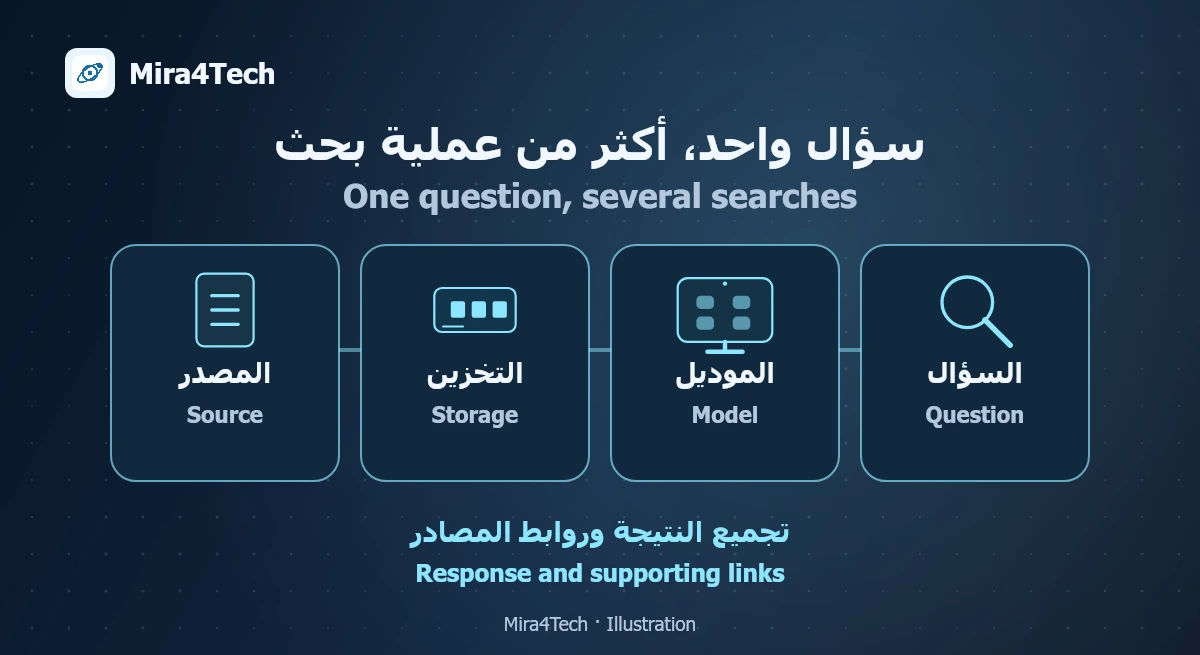
We tested an Arabic question about an SSD upgrade
- We asked Google in Arabic how to tell whether a laptop supports NVMe or SATA SSDs without opening it. The All tab displayed an Arabic AI Overview alongside web and video results. It suggested finding the laptop model and looking up its specifications.
- We switched to AI Mode with the same question. The response first described how to identify the installed drive and then explained how to find the laptop’s system model and use the manufacturer’s documentation to check upgrade options.
- We followed up by asking about the regular Dell Latitude 5420 and requesting Dell’s storage documentation, the SSD slot count and supported lengths. AI Mode linked to Dell’s manual and identified one slot and two lengths, M.2 2230 and M.2 2280.
These are observations from one session on November 14, 2026. Another session may show different summaries or links. The interface we used did not identify which model handled that specific response. The Hydrogen name comes from Google’s launch announcement.
The source changed the buying decision in our Dell example
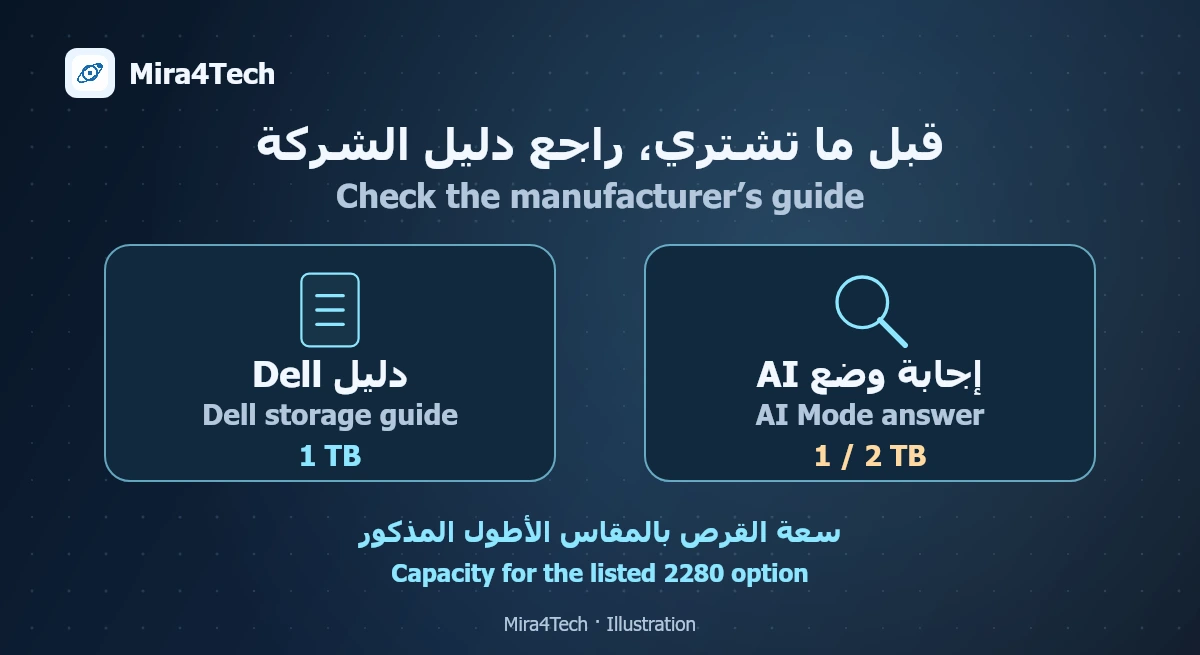
AI Mode said that the 2280 option could reach 1 or 2 TB. Dell’s Latitude 5420 storage table lists up to 1 TB for its standard 2280 option, up to 512 GB for the self-encrypting option and 512 GB for the listed 2230 option. The extra figure in the answer would need independent confirmation from Dell before it could guide a purchase. The table documents Dell’s configurations. Whether a capacity outside that table also works is a separate question.
There is also a difference between identifying the existing drive and assessing upgrade options. Seeing NVMe in the drive name can help identify what is already installed. Check the exact laptop model’s storage section, ports and service manual if you need to confirm an additional slot, drive length or mounting steps. The label M.2 identifies the form factor and tells you little by itself about the interface. Our guide to choosing a compatible SSD explains how to distinguish these specifications.
Ask for an answer you can verify
State what you want to decide and include the full model name, leaving out its serial number. Ask for the manufacturer’s specifications for that exact version and list the fields you need, such as the interface, number of slots, drive lengths and documented capacities. If a claim is linked to a generic page or forum discussion, open the specification or service manual and locate the entry that supports it. If a model has multiple variants, ask for separate answers and match them to your device.
What does this mean for website owners?
A link may appear alongside the part of an answer it helps support. According to Search Central, eligibility starts with an indexed page that can appear with a snippet, and the site must be included in Search generative AI features in Search Console. Google’s help page says inclusion is the default. Give readers details they can check, such as a clear table, an original source or a dated description of what you tested. There is no special markup required for this. Google selects supporting links for each query.