APT Could Not Get Lock on Ubuntu or Debian: Identify the Active Package Task
Another process is using the package database or package-manager lock. Understand the context and follow diagnostic checks and verification, with an original diagram and official references.
This guide explains the message in context, walks through focused checks and verifies the outcome. The website does not run commands on your device; choose an appropriate action after understanding its conditions.

What the message means
APT and dpkg locking protects package data against simultaneous writes. Automatic updates, a software centre or another terminal can own it. A lock filename alone does not prove active ownership, and deleting that file does not correctly release a process-held lock. This guide concerns Ubuntu and Debian.
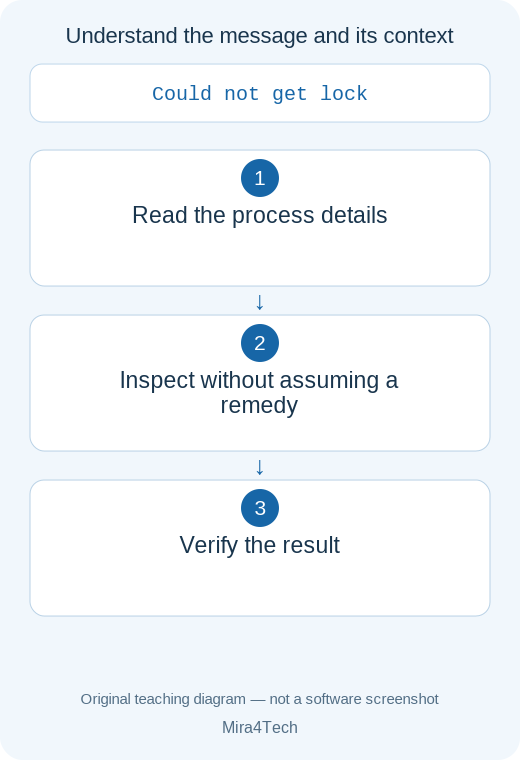
Prepare a controlled check
Keep the message, time, app or device name and version. Save work and use a non-sensitive training file when testing. Start with an observable check, change one factor and record the result. On a managed device, follow your authorised access and organisation policies.
Step 1: Read the process details
Record the complete error, especially a PID and process name when provided, and whether you were installing or updating. A permission-denied message can concern authorisation rather than contention, so the complete text matters.
Step 2: Check other package interfaces
Review the software centre, update tools and other terminals. Let a trusted progressing operation finish rather than starting another package manager. On a shared machine, ask the responsible user or administrator before interfering with their task.
Step 3: Inspect without assuming a remedy
A process list can show whether the named PID exists, but existence does not prove progress and absence does not justify deleting package-database files. Note the process and elapsed time and have an administrator inspect relevant update logs when necessary.
Step 4: Retry after the owner finishes
Once the owning task exits normally, retry once using one package manager. A later message requesting dpkg configuration is a different diagnostic stage. Do not combine termination, deletion and repair commands into one line.
Step 5: Escalate persistent locking
If progress remains unclear, collect the message, owner process and elapsed time for administrator or dpkg support review. Avoid killing every apt process or powering off during writes. Recovery from interrupted package work needs a case-specific plan.
Inspection command examples
These examples inspect the applicable environment described above. Review output before making changes and redact personal data before sharing it. The APT nano example is a training package.
ps -eo pid,etime,commVerify the outcome
After the trusted task finishes, retry the intended package operation and verify its own result as well as the missing lock error. An available lock does not prove successful updates; record dependency failures separately.
When to stop and seek help
Stop before deleting lock files or terminating a process with an unknown owner. Review process lists and logs for personal information before sharing.
Two questions before another change
Is the code alone enough to choose a remedy?
No. The location and circumstances must match this guide. If a new code, message or stage appears, record it and establish its context before another action.
What evidence should I give support?
Provide the product and version, error and time, attempted checks and observed results. Redact passwords, recovery codes, identities and personal files. Verify a support provider before granting remote control.
Related practical guides
Sources and scope
Prepared and edited by the Mira4Tech team. The checking sequence uses documented message meanings and product guidance; it is not a claim of testing your device or proving one cause for every occurrence. Interface labels can vary with version and language.