File sharing practice: accounts, paths and permissions without weakening protection
Assume a trusted network and devices you are authorised to manage, with a training folder and non-sensitive file.
Assume a trusted network and devices you are authorised to manage, with a training folder and non-sensitive file. Share access combines a host name, path, account and share and filesystem permissions. Choose a remedy for an established cause.
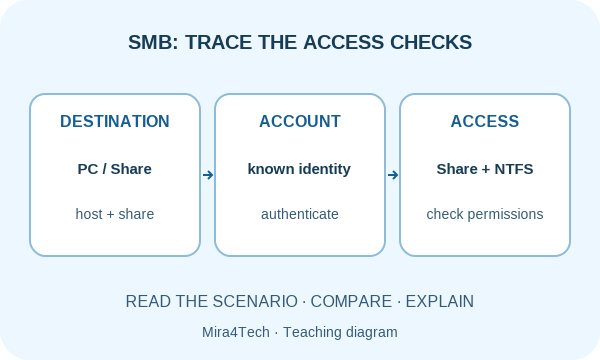
How to work through a scenario
Read the goal and assumed environment, then separate known facts from untested assumptions. Compare choices with the task and distinguish inspection from modification. Choose an answer and review every explanation. If the outcome surprises you, return to the related guide and identify what changed your understanding.
Example scope and learning use
These bounded scenarios train understanding. Real environments can add different versions, policies or permissions. Output is authored example text and the page does not inspect your device. For real work, consult official documentation and your environment and use non-sensitive samples.
Sources and review
Prepared and edited by the Mira4Tech team. The teaching sequence uses format behaviour and app documentation. Menu names may differ by release and language; test a separate copy in your environment.
Interactive practice
Read the scenario conditions before answering. Review every choice after checking and retry if needed. The score covers these examples only.
Walk through the first scenario
Step through at your own pace, or play the walkthrough to follow each stage.
Identify environment and goal
\\LAB-PC\TrainingRead the task precisely
\\LAB-PC\TrainingCompare the action with the information needed
read → compare → explain