Apple HomeView smart display: how it recognizes people at home
How Apple HomeView controls your home, when it shows personal messages and calendars, and what Apple announced about price, markets and supported languages.

Apple HomeView went on sale in select markets on November 13, 2026, after its October announcement. It combines a 7-inch touchscreen, Siri AI and controls for compatible smart home equipment. Its distinguishing idea is a screen people can share while personal messages and calendars appear under separate conditions for each person. This report explains the launch and those conditions using Apple’s documentation and original diagrams.
How can a household share one screen?
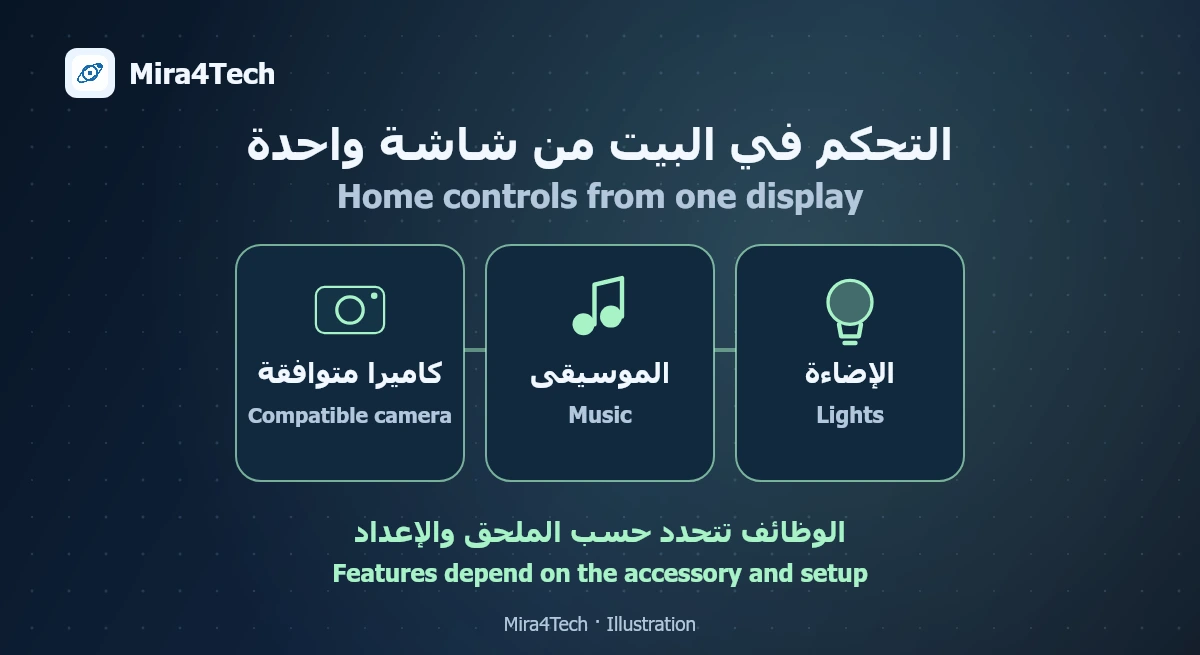
Apple offers a tabletop HomeView and a wall-mounted version. From the screen you can play music, make a FaceTime call or access smart home controls. A HomeView near the entrance, for example, could show lighting and other compatible devices in one place, without reaching for a phone to open each app. HomeView supports compatible Apple Home and Matter accessories. Available controls depend on the accessory.
Voice control can help when your hands are busy. If you set up a compatible light and add it to the home, Siri can control it. Check the device and its supported features before purchasing, because functions like video recording and lock controls depend on the accessory and your setup. Apple announced that availability of its own Apple Home Collection accessories starts in December, on a separate schedule from the display.
When do messages and calendars appear on the screen?
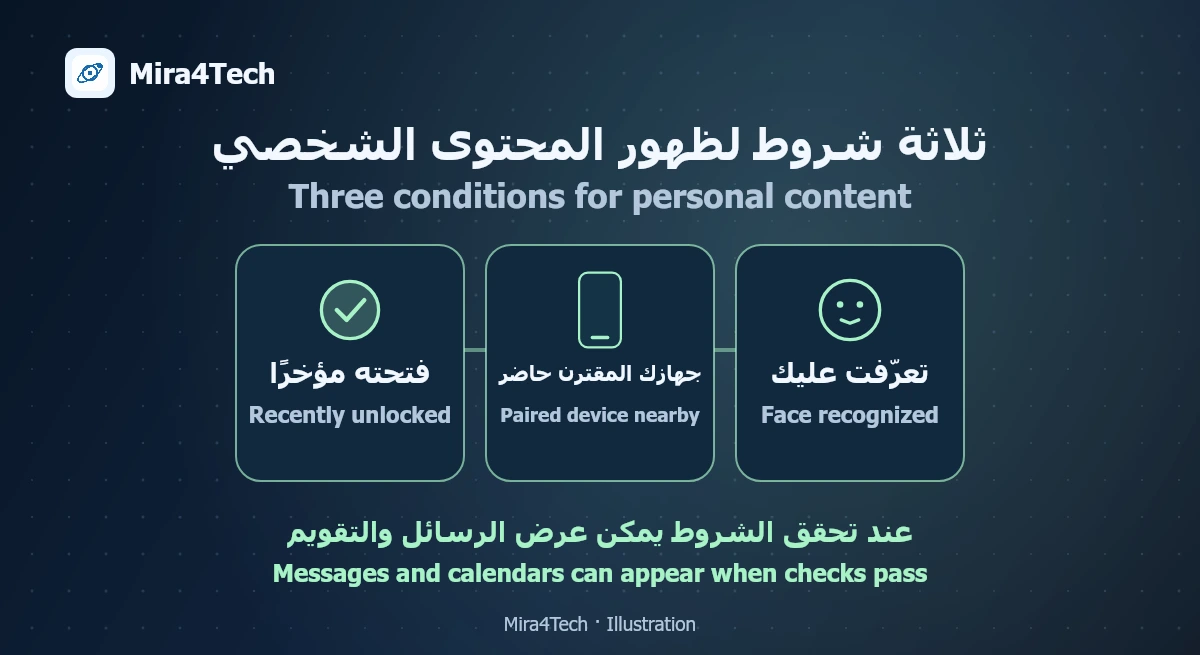
Apple says HomeView can recognize up to six people by face. For personal content from apps like Messages or Calendar to appear, Apple describes a set of conditions: HomeView recognizes the enrolled person, their paired iPhone or iPad is present and that device has been unlocked recently. A family member can use the shared lighting controls and see their personal appointments when those conditions also apply. Consider these conditions when choosing a location visible to visitors or people walking by.
According to Apple, some camera and microphone data is processed in an isolated environment on the chip. The launch documentation also says Siri requests can be processed on the device or through Private Cloud Compute. Our coverage explains the published conditions for displaying personal content and is based on the announcement, with no hands-on device measurements.
Price, launch markets and language support
Apple announced a US starting price of $299 for either the tabletop or wall-mounted version. Some mounting options are sold separately. The launch notice names the United States, the United Kingdom, Canada, India, Singapore, Australia and New Zealand among the sales markets. Check your local Apple site or authorized reseller for availability and mounting requirements. Egypt was absent from the sales markets listed in the launch notice we reviewed on November 14.
Apple lists English for Siri AI on HomeView in supported launch markets, with Canadian French planned for a later update. The notice did not announce Arabic support. If you are considering importing the device, check the assistant’s supported languages, accessory compatibility and the mounting cost before selecting a version.
Practical questions before considering one
Does every person need a screen? Household members can share a HomeView. Pairing an Apple phone or tablet matters when someone wants to see their personal content under the conditions described above.
Do you need Apple-branded lighting? Look for Apple Home or Matter compatibility for the accessory and verify the specific function in its specifications.
Does everything run locally? Apple describes both on-device processing and Private Cloud Compute for Siri requests. The path depends on the request and feature in use.