Arabic audio transcription: testing Whisper tiny and base and correcting errors
Compare two Whisper sizes on one synthetic Arabic sample with observed timings, word error rates, original files and local setup and review steps.
Arabic speech transcription can save typing time, but an incorrect name or number can change the meaning. We ran the same sample locally through Whisper tiny and base using faster-whisper, retained the reference and raw outputs, and checked the differences. This guide shows the observed results and a reproducible practice workflow.
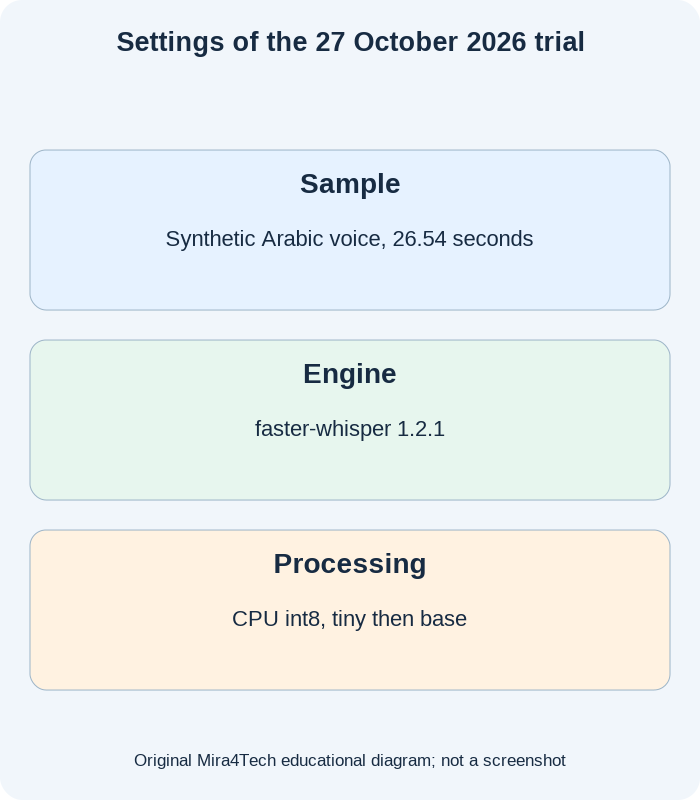
This compares two sizes from one model family through one engine. It is not a ranking of every transcription service. The sample is clear synthetic Arabic lasting 26.54 seconds; it does not represent human conversations, background noise or different dialects.
Transcription, translation and summarisation
Transcription writes speech in its original language. Translation changes the language, while summarisation condenses the content. Review a transcript before summarising it: an incorrectly recognised number can otherwise become harder to trace. We explicitly selected Arabic transcription for this experiment, without translation.
Whisper is a speech-recognition model family. Faster-whisper runs these models through CTranslate2. Tiny and base are different sizes. Base does not guarantee correctness, and tiny does not promise that every file finishes in a second. Our timings describe only the stated local run.
1. Download and understand the sample
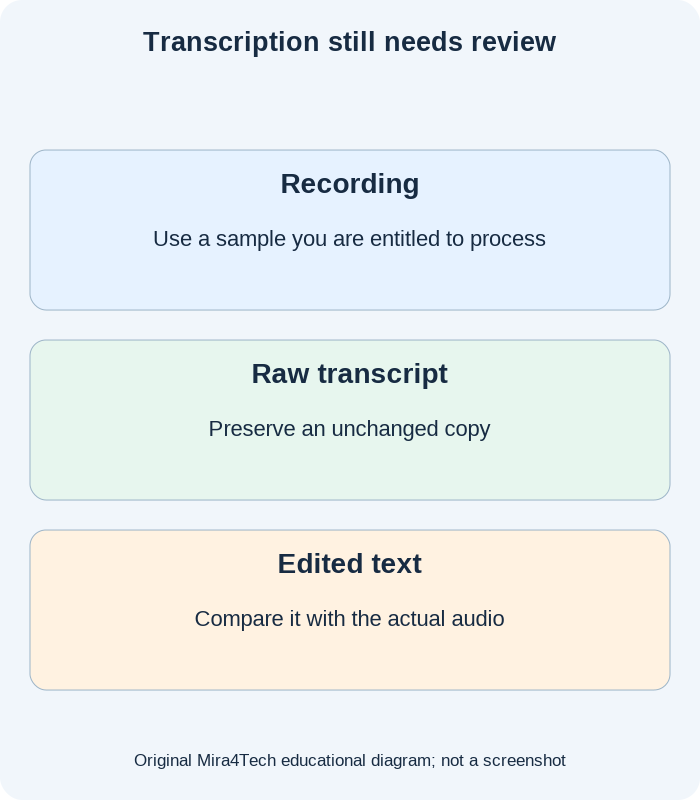
Download the Arabic practice audio and reference text. We generated audio locally from our original text with Microsoft's synthetic Hoda ar-EG voice. It contains no recording of a real person and no private information. It does not establish performance on a natural Egyptian speaker.
The reference explains that this is Mira4Tech teaching material, asks readers to preserve the original before making a copy, describes a thirty-minute session divided into three equal parts, and requires checking names and numbers against the recording. Listen before inspecting the outputs. Identify these important facts rather than judging the transcript only by its fluency.
Keep the raw result unchanged. Correct a separate copy so you can distinguish the model's recognition from your editorial work. The Arabic reference file is the scoring source; an English description is not a substitute for matching the actual spoken words.
2. Prepare a separate local environment
This route is for readers comfortable running Python. It needs no cloud transcription account or API key. Install Python from its official source, open a terminal in a new practice directory and create a virtual environment. Initial package and model downloads need internet access; the experiment's speech processing ran on the computer.
py -m venv .venv
.venv\Scripts\python -m pip install faster-whisper==1.2.1 numpy==2.5.4
.venv\Scripts\python transcribe-practice.py
The last command runs our small practice script. Download the text file, rename it transcribe-practice.py, and place it beside the sample WAV before running it. The text extension is only for distribution. Read the script first. It expects the supplied mono, 16 kHz, 16-bit PCM file and writes two transcript files in that directory. It intentionally rejects other specifications instead of silently interpreting them incorrectly.
The script decodes this known WAV through Python's standard wave module into a sample array. We used that route because PyAV 19's file-reading interface rejected a metadata_errors argument used by our engine version. This workaround is specific to the known WAV and does not demonstrate support for every audio format.
3. Keep settings consistent
We used CPU int8 with four threads, beam_size=5, language=ar, task=transcribe, vad_filter=False and condition_on_previous_text=False. The engine was faster-whisper 1.2.1 with CTranslate2 4.8.4. Each size ran once. Timing started after loading the model and excludes downloading and initialising weights.
Loading by model size downloads Systran's converted weights from Hugging Face. Check the source, download size and free space. Do not install unknown executables promising perfect recognition. Files and links associated with a recording are not inherently trustworthy.
4. Actual results on the same sample
| Size | Transcription time only | Word edits | Normalised WER |
|---|---|---|---|
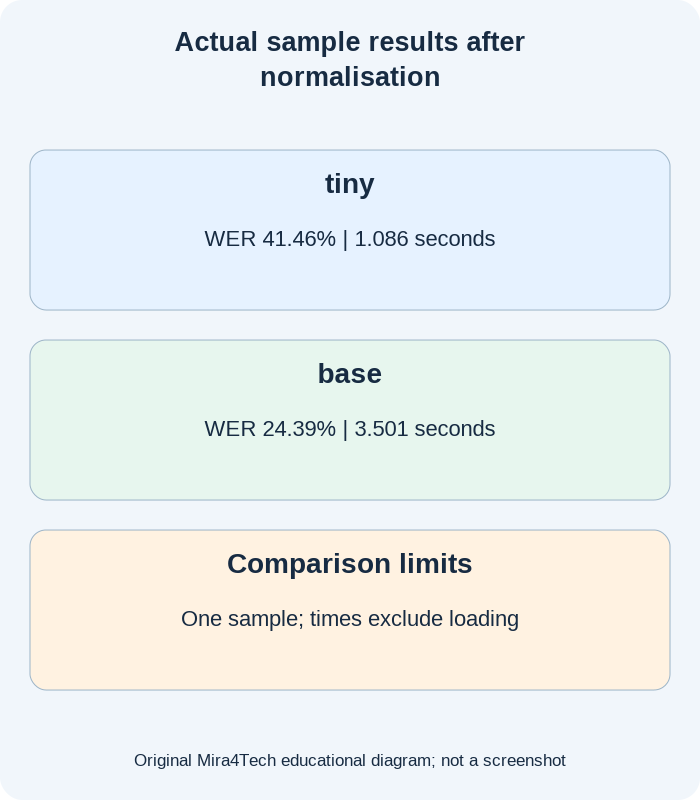
| tiny | 1.086 seconds | 17 over 41 reference words | 41.46% |
| base | 3.501 seconds | 10 over 41 reference words | 24.39% |
Base made fewer word errors on this sample and took longer. One sample cannot establish a general product ranking. WER is not a direct measure of human understanding: it counts substitutions, deletions and insertions needed to match the reference, divided by the reference's word count. It can exceed one hundred percent when there are many insertions.
We removed Arabic diacritics, tatweel and punctuation, unified alef variants and alef maqsura, and split on whitespace. We did not conflate ta marbuta with ha. A different reference or normalisation policy can change the score, so comparisons against unrelated published percentages would be misleading.
5. Check errors by listening
Neither output recognised the spoken Mira4Tech name correctly. Tiny rendered it approximately as “ميرى فورةٌ”, while base produced “مرة فوراتتغ”. Base also wrote “نرجع” instead of “نراجع” and “نصن” instead of “نص”. The unchanged tiny transcript and base transcript are available for your own comparison.
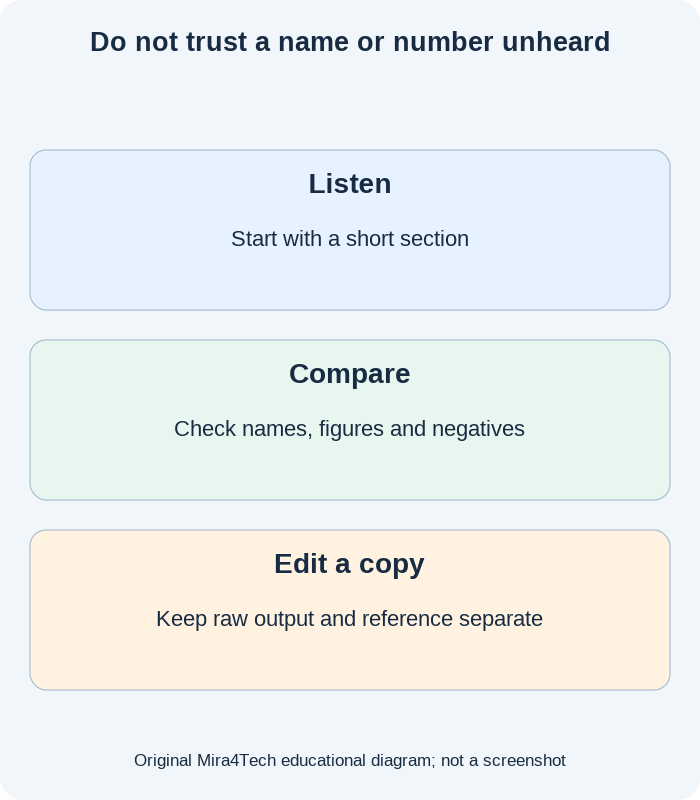
- Open the transcript beside an audio player and work through short repeatable sections.
- Check names, figures and negatives first. A lost “not” or changed duration can alter the instruction.
- Replay uncertain words. Mark an unclear passage rather than inventing a plausible completion.
- Correct spelling and punctuation in a new file, preserving the raw transcript and reference.
- Read the complete edited version while listening before using it or making a summary.
Local processing or a web service?
Local processing suits readers who want the transcription workload on their device and can manage setup and review. A web tool may be easier to start, but requires checking upload terms, retention, limits and cost. We did not upload this sample to cloud services and do not assign them invented scores or announce an untested winner.
For a call or private recording, establish that you are entitled to record, process and share it before sending it anywhere. Running a model locally does not automatically give you permission to publish another person's voice. A raw generated transcript is not a verified verbatim record without listening and correction.
Troubleshooting the practice workflow
- The py command is unavailable: check the official Python installation and open a fresh terminal. Do not run unrelated security-changing fixes.
- Model download stalls: inspect connection, free space and the displayed error. A first download is different from the transcription-only time above.
- The script rejects the WAV: use the unmodified supplied file. The checks prevent incorrect decoding of unsupported specifications.
- Text appears during silence: compare with the recording and remove unsupported words from the edited copy. Generated text does not prove that speech occurred.
- Your output differs: compare model size, versions, settings and the audio itself. Systems and dependencies can differ; start with a small repeatable sample.
Sources and limits
The Mira4Tech team tested one synthetic sample on 27 October 2026 with one engine and two sizes. Single-run CPU timings are observations, not performance guarantees. Sources: the faster-whisper project and Systran's tiny and base model cards. Diagrams are original educational graphics; the results diagram reports our actual run. They are not screenshots of a graphical application.